How to Review Code Your AI Agent Wrote
The agent says it is done and the summary sounds right. That is exactly the moment to slow down. A review of agent-written code is a review of the diff, the tests and the files it touched — not of the paragraph it wrote about them.
Read the diff, not the summary
The summary describes what the agent meant to do. The diff shows what it did. Start with git diff --stat to see the shape of the change — how many files, how many lines — then read the full git diff line by line. If the summary and the diff disagree, the diff is right.
The stat pass is where you catch the change that is bigger than the task. A one-line bug fix that touches twelve files is not a bug fix any more; it is a refactor that arrived without a decision. Read those extra files before you read the fix.
Run the tests yourself
"All tests pass" is a claim, not a result. Run the project's test command in the same directory and read the output yourself. If the agent added a test, run that test alone as well, so you know it exercises the new path and is not passing because it asserts nothing.
Then use the feature. Start the app, call the endpoint, open the page. Tests cover what someone thought to test; the bug you are about to ship usually lives in the step nobody wrote down. If the task started from a bug report, reproduce the report first and then run the fix: a change that passes the suite but leaves the reported symptom in place has not fixed anything.
Tip: Keep the test output in the pull request or the task note. "I ran it and it passed" is hard to review; a command and its output are easy.
Red flags in the diff
- Deleted functionality. A function, a branch or a validation step is gone and nothing replaced it. This is the classic way to make a failing test pass.
- More files than the task. A small task touching many files usually means the agent changed something you did not ask for.
- Loosened tests. Assertions removed, a test skipped, a timeout raised, an error swallowed. Read the test diff as carefully as the code diff.
- Placeholders. A
TODO, an empty function, a hard-coded value where a parameter belongs, a comment that says "implement later". - Silent error handling. A
try/catchthat returns a default, or a retry that hides the first failure. - Unrelated formatting. A whole file re-indented makes the real change impossible to see. Ask for a diff that contains only the change.
None of these is automatically wrong. A deleted function can be dead code; an extra file can be a migration the task needed. The point is that each one needs a sentence of explanation before you accept it.
Fix it yourself or send it back?
Send it back when the agent still has the context and the fix is mechanical: a failing test with a clear error, a missing null check, a wrong path. Paste the exact output and say what you expected. That is usually faster than editing by hand, and the change stays in one place.
Fix it yourself when the change is small and you already understand it — a typo, a wrong constant, a line you would have written the same way. Do not spend a round trip on a one-line edit.
Stop and re-plan when the design is wrong. If the agent solved the wrong problem, or the diff shows a structure you do not want to maintain, do not patch it into shape. Revert, write the constraint you missed into AGENTS.md, and start again with that constraint in the prompt.
One rule that saves time: never accept a change you cannot explain to someone else in one sentence.
How Foxpit shows you the change
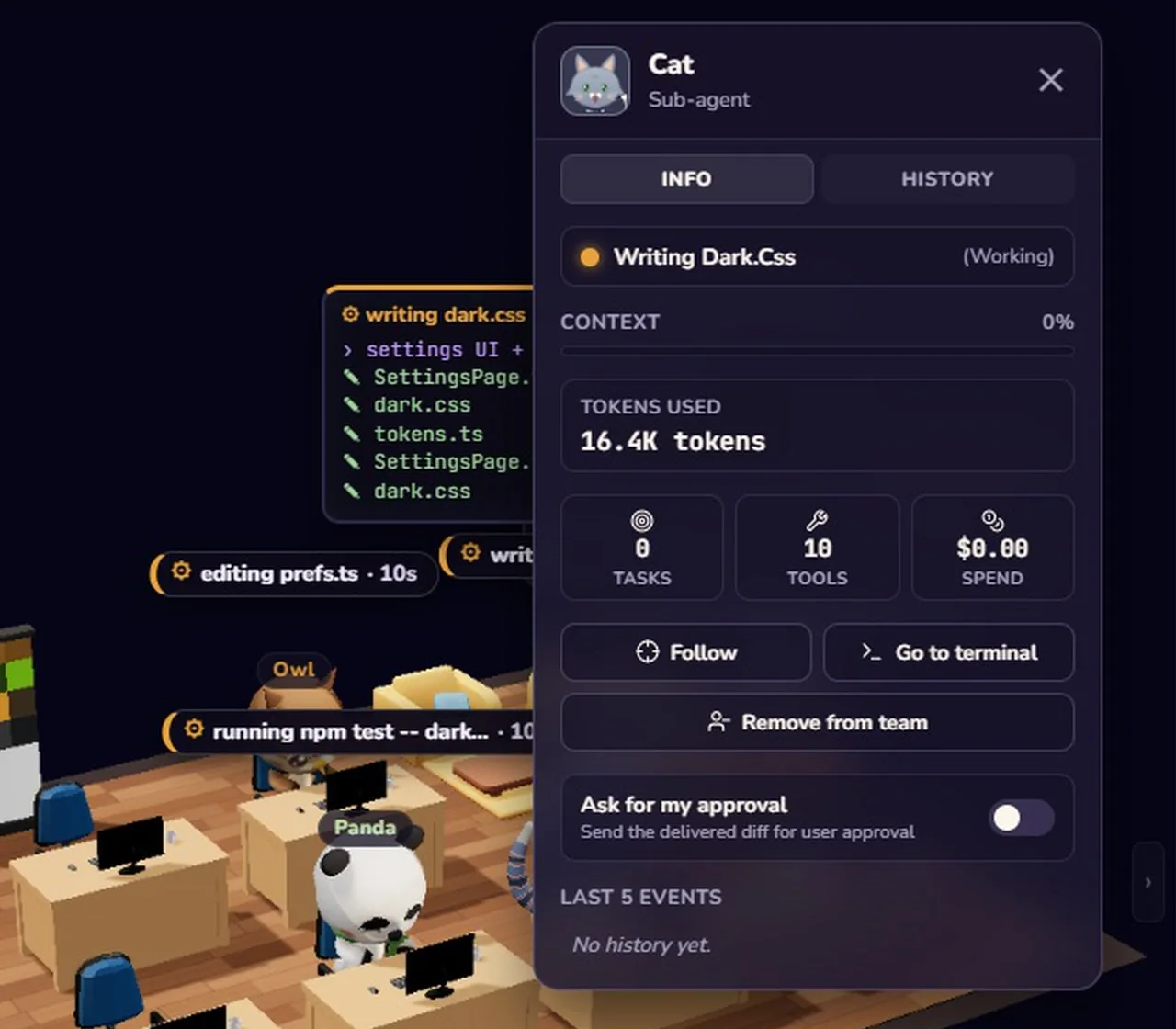
Foxpit runs Claude Code, Codex, OpenCode and Antigravity as one team, and work comes back as a delivery card instead of a wall of terminal output:
- The card answers the first three questions. Files changed, test results and the cost of the turn are on the card, before you open the diff.
- Worktree isolation. Each agent can run in its own Git worktree, so parallel agents do not overwrite each other's files and the diff you review belongs to one task.
- Shared project memory. A review note such as "do not edit db/migrations" is still there in the next session, on any agent.
Related: Git worktrees for AI agents explains the isolation, and running multiple Claude Code agents covers how to split work so each diff stays reviewable.
Frequently asked questions
Should I trust an AI agent's summary of its changes?
No. The summary describes intent; the diff shows what happened. Read git diff, run the tests yourself, and treat any difference between the two as a question to answer before you merge.
What are the biggest red flags in agent-written code?
Deleted functionality, a change that touches far more files than the task, tests that were loosened or skipped, and placeholders such as TODO or an empty function. Each can be legitimate, but each needs an explanation.
Should I fix the agent's mistake myself or ask it again?
Send it back when the fix is mechanical and the agent still has the context. Fix it yourself when it is a one-line change you already understand. Re-plan when the design is wrong, because patching a wrong design makes it harder to see.
How do I keep parallel agents from mixing their changes?
Give each agent its own Git worktree, so each diff belongs to one task. Foxpit can run an agent in its own worktree and shows the changed files on the delivery card.
Review the diff, not the summary.