Claude Code Effort Levels: Low, Medium, High or Max
Effort is the quiet multiplier on your Claude Code usage. It decides how long the model thinks before it answers, and every extra thought is paid for. Here is what the levels are and how to choose one per task instead of leaving it on max.
What effort actually controls
Claude Code takes an effort level for the session with --effort <level>. The levels are low, medium, high, xhigh and max. Effort is not a quality slider with a fixed price; it changes how much the model thinks before it answers. More thinking means more tokens per turn, and those tokens count toward the same usage limit as everything else.
It is a session setting. You choose it when you start Claude Code, and the session runs at that level, so the first thing to know is what kind of work the session will hold. A session that starts with a hard bug and ends with commit messages is a session that pays max prices for both.
Why effort eats your limit
Usage is counted by the amount of context sent with each message, not by the number of messages. A high-effort turn produces more thinking before the answer, and a long session re-sends its history on every turn. The two multiply. Max effort in hour three of a long refactor is the most expensive combination you can build.
The extra thinking is not wasted everywhere. On a rename it buys nothing. On a race condition or a migration it can be the difference between a guess and a diagnosis. The skill is matching the level to the job, not using the top one for everything.
Picking a level per job
Use the lowest level that can do the job, and move up when the output shows it was not enough. In practice:
- Routine work → low or medium. Moving files, renaming, formatting, fixing a typo, updating docs, reading a small file to answer a question. The task is clear and the answer is short, so thinking longer only adds tokens.
- Normal feature work → medium or high. A change in one or two files, a test that needs writing, a small bug with a clear reproduction. You want some reasoning, not a research project.
- Hard problems → high, xhigh or max. Multi-file architecture, a bug that does not reproduce reliably, concurrency, a migration with data loss on the table. Here a wrong answer costs more than the tokens.
- Unknown size → start at medium. If the agent asks the same question twice or returns a shallow plan, raise the level and give it the failing output.
The line between the groups is not the size of the diff. It is how much the answer depends on reasoning you cannot check quickly. A ten-line change to an authentication check belongs in the third group; a hundred-line rename belongs in the first.
Start low, raise it when the output is weak
The default temptation is to use max for everything, because it feels safer. In practice it costs more and often produces longer answers with the same decision. Start at low or medium, read the first result, and raise the level only when you can name what was missing: it missed a file, it guessed an API, it did not consider the second caller.
The reverse matters too. Do not leave a session at max because the first task was hard. The next task in the same session — a commit message, a small test fix — pays the same price for work that needed none.
And if a task fails at high effort, more effort is not always the answer. A clearer prompt with the failing command and the exact error usually beats another level.
Tip: Write the level in your task note ("medium: rename the config keys") before you start. It makes the next session's choice a decision instead of a habit.
How Foxpit spreads effort across a team
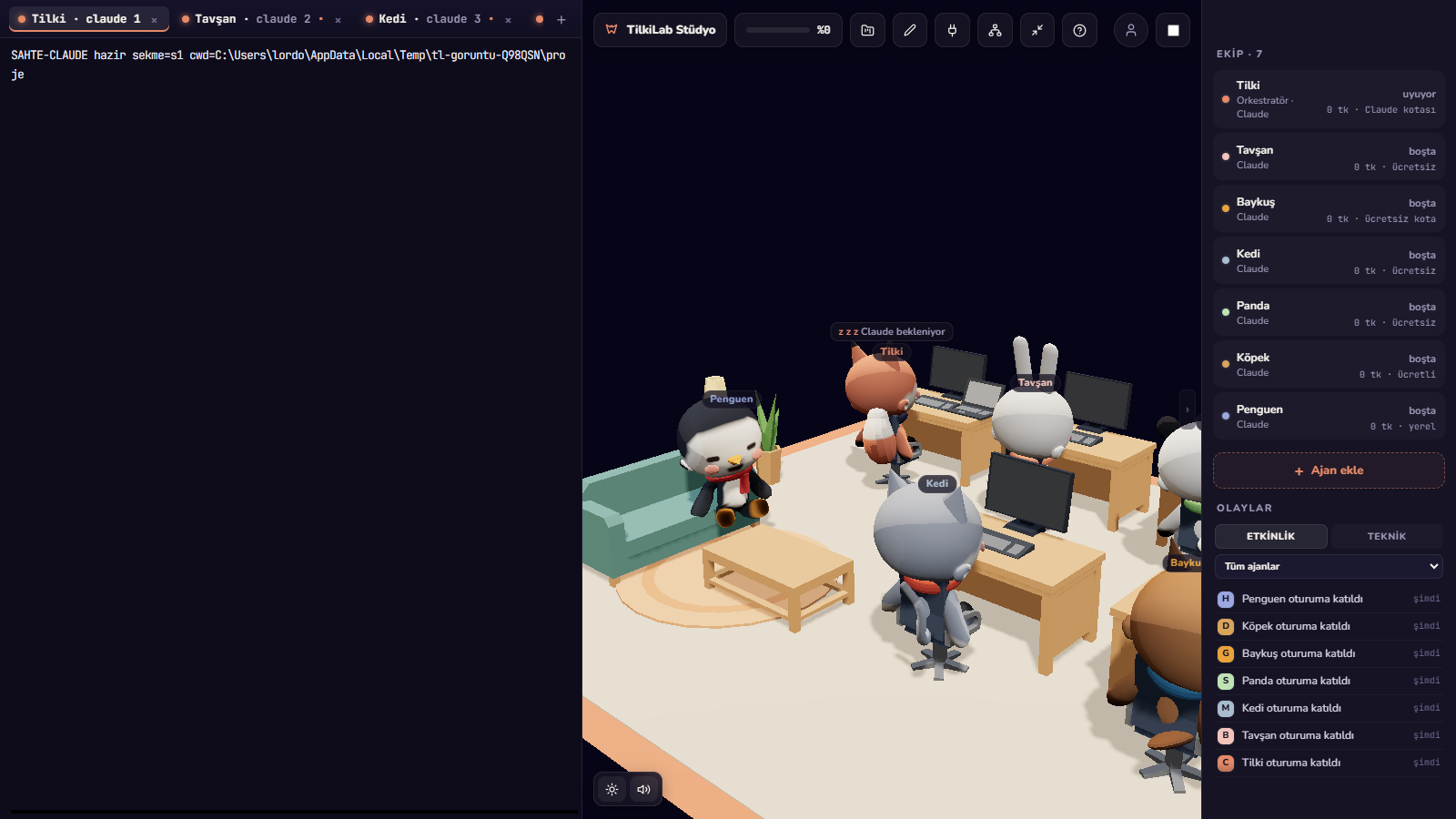
Foxpit runs Claude Code, Codex, OpenCode and Antigravity as one team, and each seat can run a different agent and model. That turns effort into a budgeting decision rather than a personal preference, and Foxpit uses your own subscriptions instead of reselling or working around limits:
- Expensive model plans, cheaper model types. Let the top model write the plan and review the result; give the routine edits, test runs and docs to a cheaper seat.
- The lead splits by difficulty. Fox breaks the work into parts, so a hard part can run on a high-effort seat while the mechanical parts run on low effort somewhere else.
- Usage panel. One panel shows remaining quota and reset time for every agent that reports it, so you can see which seat is spending the session.
Related: Claude Code usage limit explains what the window is and what to do when it runs out, and saving Claude quota with orchestration shows the split between planning and typing.
Frequently asked questions
What are the Claude Code effort levels?
The levels are low, medium, high, xhigh and max. You set one for the session with --effort <level>. Higher levels let the model think longer before it answers, which uses more tokens.
Does higher effort always give better code?
No. On a clear, small task the extra thinking often changes nothing, while on a hard bug or a multi-file change it can be the difference. Use the lowest level that does the job, and raise it when the output is weak.
Why does max effort use my limit faster?
Effort adds thinking tokens to every turn, and a long session re-sends its history on every turn. High effort inside a long session is the most expensive combination, so it drains the window faster than the same work at low effort.
Can I change effort in the middle of a session?
Effort is a session setting: you choose it with the --effort flag when you start Claude Code. Pick the level for the work you are about to do, and start a new session when the work changes shape.
Stop spending max effort on a rename.